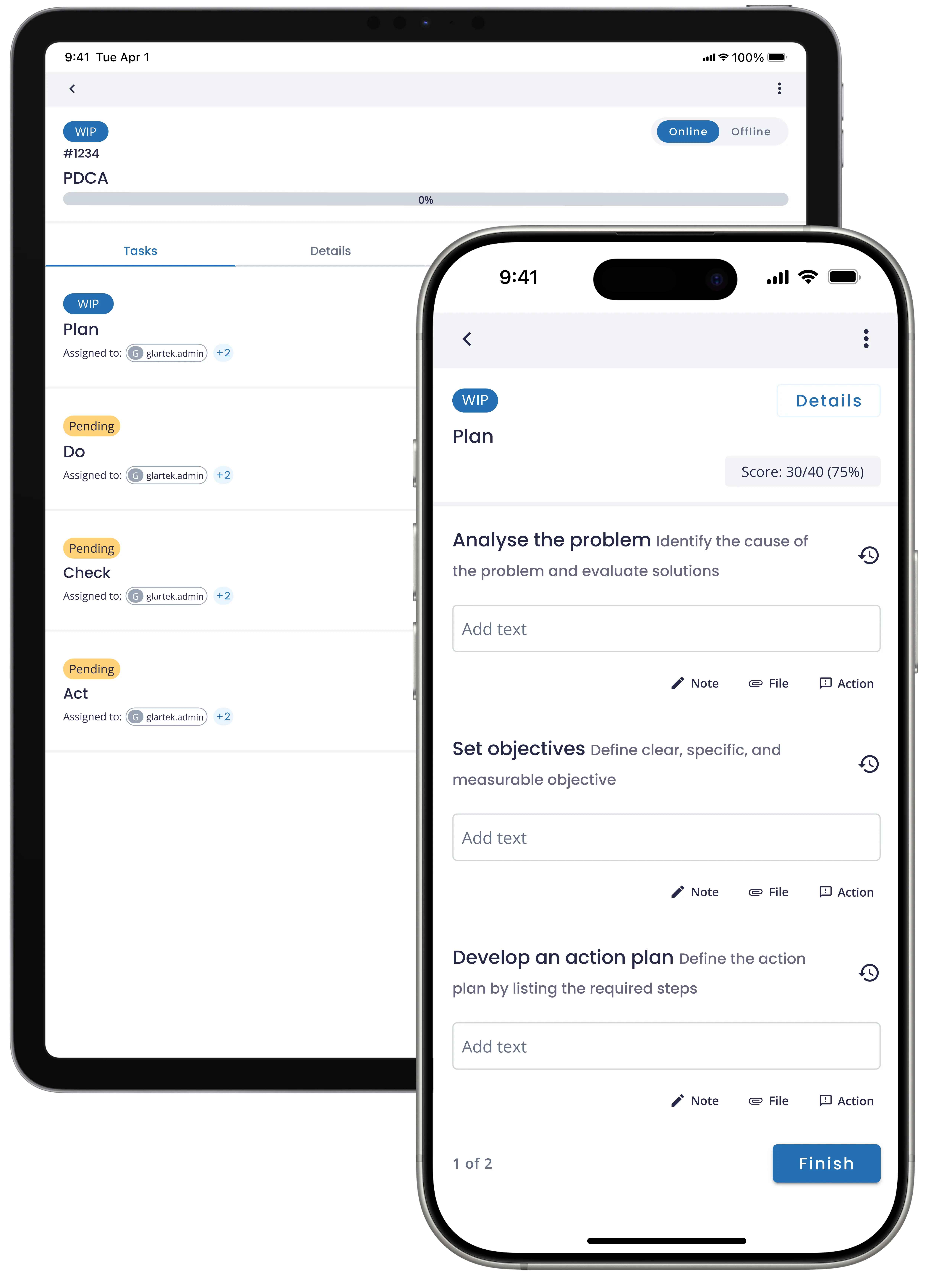
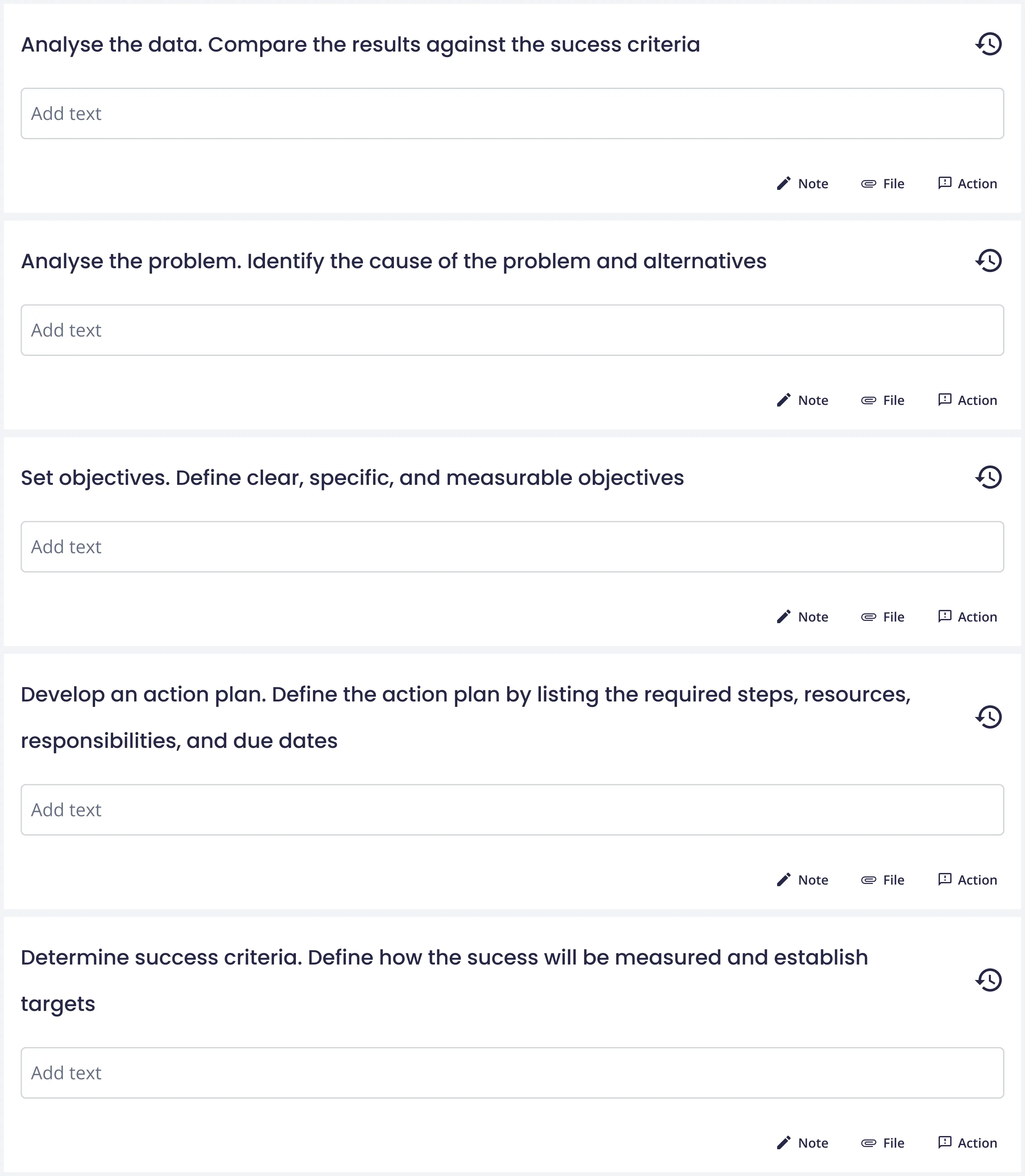
Download your detailed PDCA procedure template for you to import into EHSQ Connected Worker platform. Download now!
Download NowPDCA, which stands for Plan-Do-Check-Act, is a four-step management method used to streamline and improve processes and products. It involves planning by identifying a goal or problem, implementing the plan on a small scale, evaluating the results, and making necessary adjustments.
PDCA is widely used in various industries as a cyclical method that helps foster continuous improvement and ensure effective, data-driven decision-making.
Digitising a PDCA with the Connected Worker platform provides greater visibility with real-time data access, more accurate feedback with digital communication and collaboration tools, and improved result analysis through automated reports. In addition, centralising all information in one place, enables faster decision making resulting in a more dynamic and responsive approach to continuous improvement.
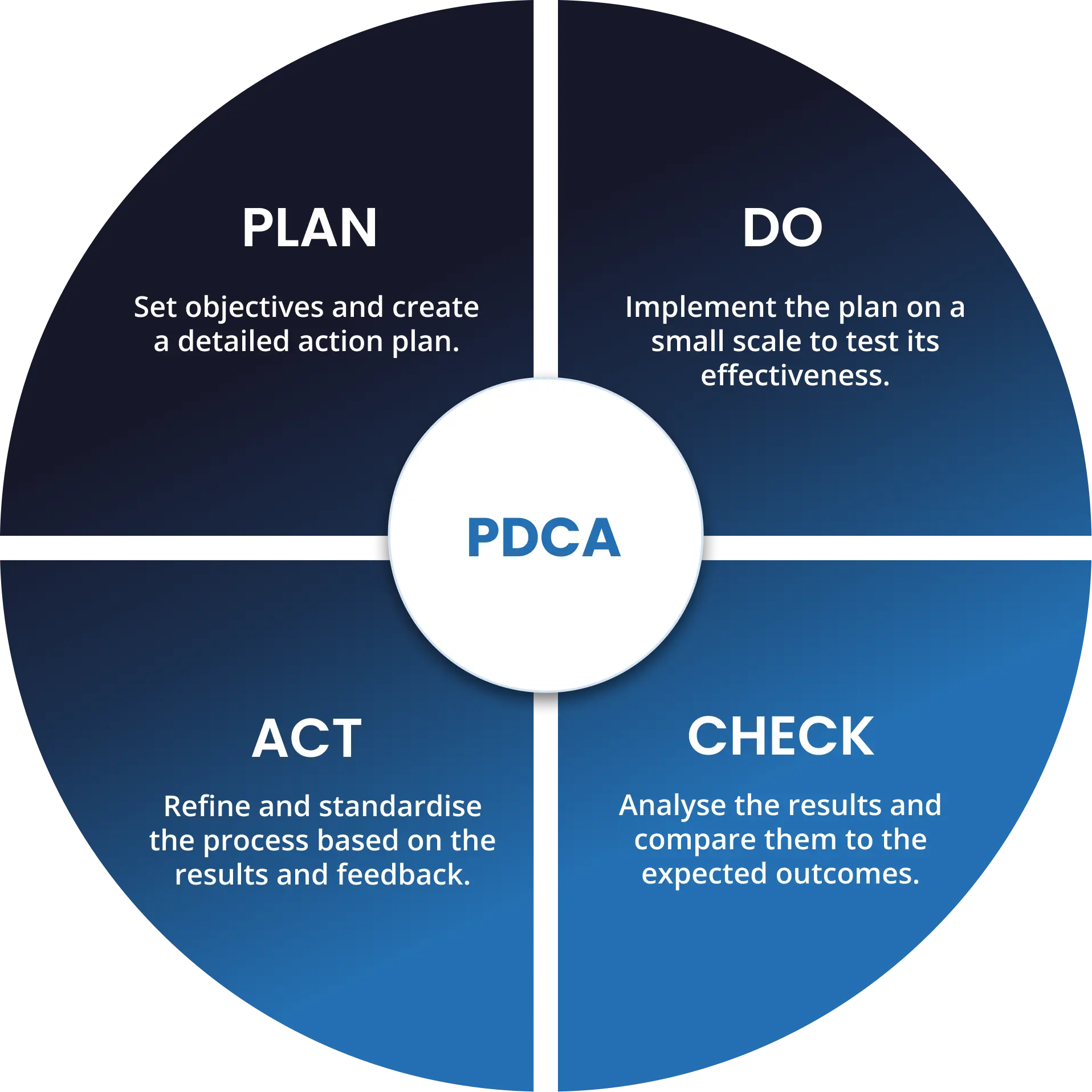
PDCA
Set objectives and create a detailed action plan.
Implement the plan on a small scale to test its effectiveness.
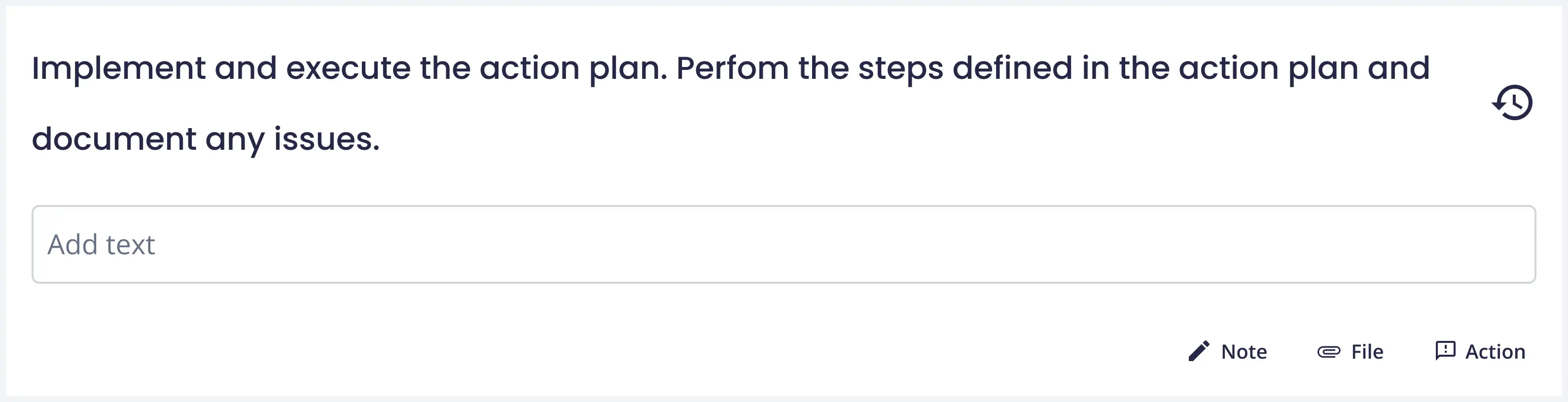
Analyse the results and compare them to the expected outcomes.
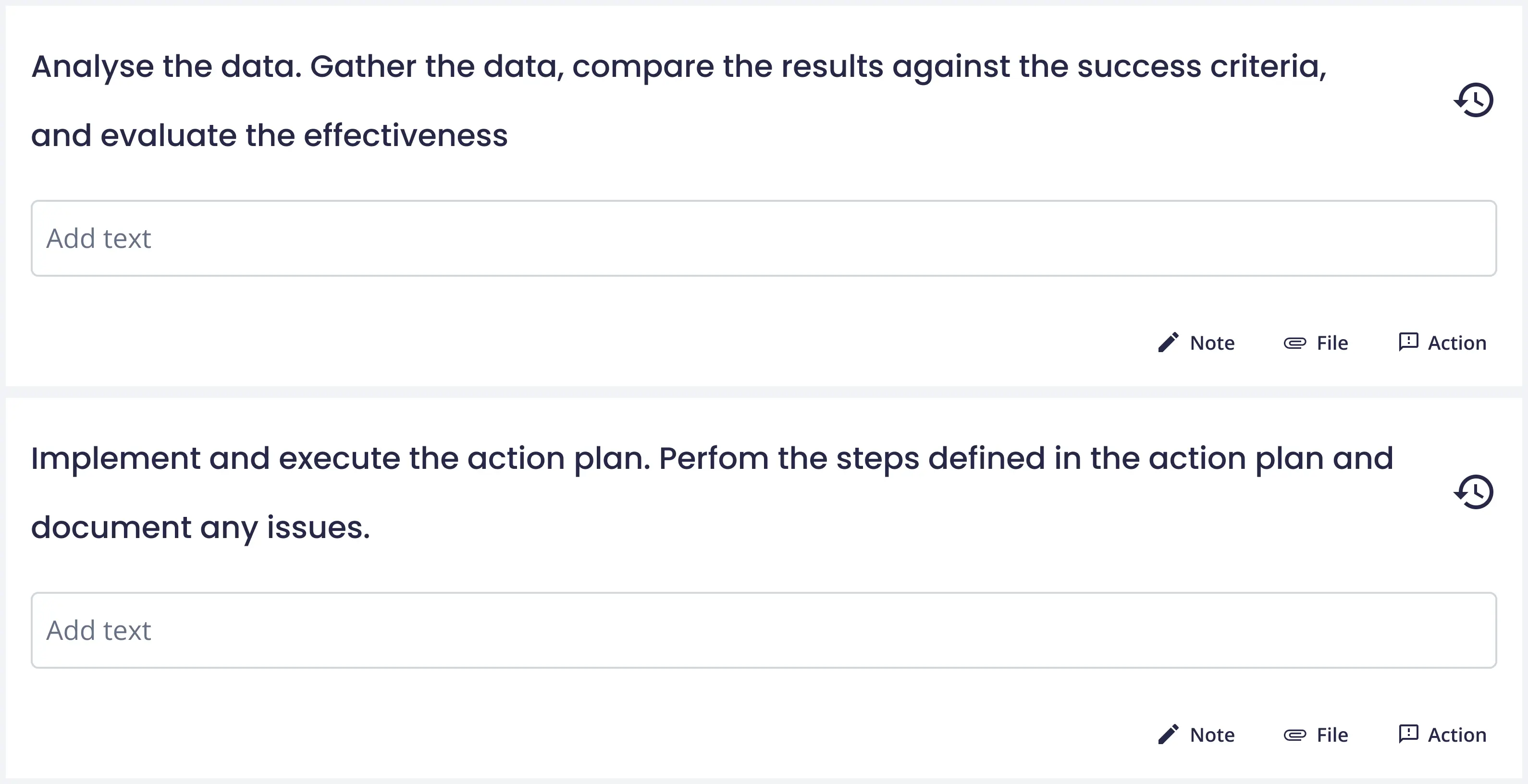
Refine and standardise the process based on the results and feedback.

To acess the complete method please download the template
Download Procedure Template.webp)
Centralize all information to efficiently monitor tasks, create analytical dashboards, and access detailed reports on all your operations.
Learn MoreDiscover the power of the only AI-Native EHSQ software built for the frontline




.webp)